

Godot printed 22,523 errors. One of them was the bug.
Shelf-Made Tycoon is a logistics tycoon built in Flockbay and sold on Steam. Its project keeps the logs of the headless runs the AI made while building it, and a few of them explain the most searched GDScript errors better than a rule of thumb can.
- Game
- Shelf-Made Tycoon, a Godot 4.7.2 project with 67 GDScript files today
- Source
- The headless run logs Flockbay keeps in the project, quoted as Godot printed them
- Errors covered
- “Identifier not declared in the current scope”, “Nonexistent function in base 'GDScript'”, “Invalid access on a base object of type 'Nil'” and “Function not found in base self”
The loudest line was not the bug
One headless run of Shelf-Made Tycoon printed this line 22,523 times:
SCRIPT ERROR: Invalid call. Nonexistent function 'rects' in base 'GDScript'.
   at: district_rects (res://scripts/sim/town.gd:50)
Read from the bottom, the log blames town.gd. Nothing was wrong with town.gd. The bug was at the top of the log, printed once, before the game’s first frame:
estate.gd used a constant, SHED_IN_Z, that it never declared. It used it on four lines, so Godot reported it four times, and a fifth time as “Cannot infer the type of "way"” on line 430, where way was typed from a value built with that constant. Five parse errors, one mistake.
SCRIPT ERROR: Parse Error: Identifier "SHED_IN_Z" not declared in the current scope.
   at: GDScript::reload (res://scripts/sim/estate.gd:430)
SCRIPT ERROR: Parse Error: Cannot infer the type of "way" variable because the value doesn't have a set type.
   at: GDScript::reload (res://scripts/sim/estate.gd:430)
SCRIPT ERROR: Parse Error: Identifier "SHED_IN_Z" not declared in the current scope.
   at: GDScript::reload (res://scripts/sim/estate.gd:451)
SCRIPT ERROR: Parse Error: Identifier "SHED_IN_Z" not declared in the current scope.
   at: GDScript::reload (res://scripts/sim/estate.gd:468)
SCRIPT ERROR: Parse Error: Identifier "SHED_IN_Z" not declared in the current scope.
   at: GDScript::reload (res://scripts/sim/estate.gd:489)
SCRIPT ERROR: Compile Error: Failed to compile depended scripts.
   at: GDScript::reload (res://scripts/ui/hud.gd:0)
   (the same for rail_yard.gd, town.gd, ware_sim.gd and main.gd)
ERROR: Failed to load script "res://scripts/main.gd" with error "Compilation failed".
SCRIPT ERROR: Invalid call. Nonexistent function 'rects' in base 'GDScript'.
   at: district_rects (res://scripts/sim/town.gd:50)
How one parse error turns into thousands
Godot compiles a script when something first loads it. A parse error stops that file from compiling, and three things follow, in this order:
- Every script that depends on the broken one fails with “Failed to compile depended scripts”. Here that was five files,
main.gdamong them. - The broken class keeps its name but loses everything in it.
estate.gddeclaresclass_name Estate, so other scripts could still writeEstate.rects(), and Godot had norects()to run. - Each of those calls fails while the game runs, with “Nonexistent function 'rects' in base 'GDScript'”.
Town.district_rects()callsEstate.rects(), and the game asked for it every frame, so one missing constant came out as 22,523 lines.
A count like that tells you how often a line ran. It says nothing about how many bugs there are.
Fix the first line, then run again
The next run had a different first line, in a different file:
SCRIPT ERROR: Parse Error: Identifier "STACK_Z" not declared in the current scope.
   at: GDScript::reload (res://scripts/view/rail_view.gd:766)
SCRIPT ERROR: Compile Error: Failed to compile depended scripts.
   at: GDScript::reload (res://scripts/view/town_traffic.gd:0)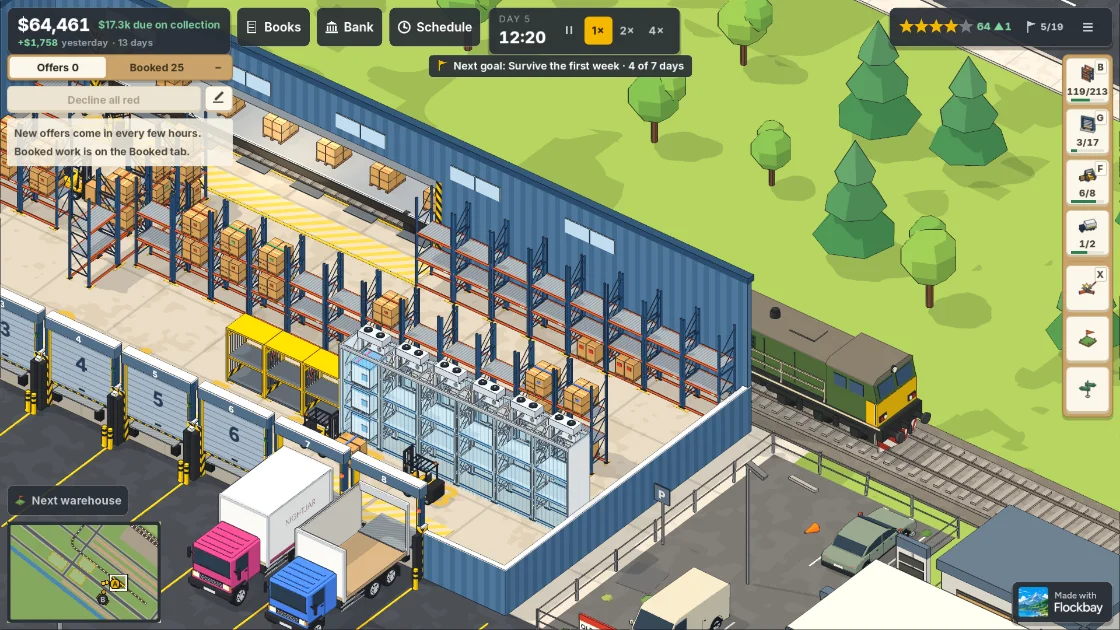
rail_view.gd, the file behind the second flood.Behind it came 18,965 copies of “Nonexistent function 'animate' in base 'GDScript'” from world_view.gd, which calls RailView.animate() on every frame. rail_view.gd had used a constant it never declared, the same mistake in another file. It declares it at the top today, as const STACK_Z := -153.8.
The run after that printed no script errors at all. Two runs, more than 41,000 error lines, two missing constants.
“Base object of type Nil” is often the same bug one step later
Another pair of runs ended in a different flood:
SCRIPT ERROR: Parse Error: Invalid argument for "_miss()" function: argument 2 should be "String" but is "Dictionary".
   at: GDScript::reload (res://scripts/sim/ware_sim.gd:1667)
SCRIPT ERROR: Compile Error: Failed to compile depended scripts.
   at: GDScript::reload (res://scripts/main.gd:0)
SCRIPT ERROR: Invalid call. Nonexistent function 'new' in base 'GDScript'.
   at: _ready (res://scripts/main.gd:33)
SCRIPT ERROR: Invalid access to property or key 'failed' on a base object of type 'Nil'.
   at: _process (res://scripts/main.gd:83)
The Nil error points at main.gd, and main.gd was fine. Its _ready() calls new() on a class that had not compiled, so the object was never made and the variable meant to hold it stayed null. Every frame after that, _process() read failed from that variable: 991 times in that run.
The next run got past that line in ware_sim.gd and stopped at a second parse error in the same file, “Not all code paths return a value”, with the same Nil flood behind it, 9,471 lines this time. With both fixed, the run was clean.
So when a Nil error points at a line that looks right, search the log for a parse error before you add a null check. A null check on line 83 would have hidden the symptom and left the game running without its simulation.
“Not found in base self”: the AI’s own test hit it too
Flockbay’s AI checks a running game by sending it short GDScript snippets. In one run, its own snippet failed:
SCRIPT ERROR: Parse Error: Function "get_tree()" not found in base self.get_tree() belongs to Node. A script with no extends line extends RefCounted, which is never in the scene tree, so self has no get_tree() to call. The same error turns up in any script that does not extend Node, a custom Resource for instance. The fix is to ask a node for it, such as node.get_tree(), or to make the script extend Node if it belongs in the tree.
Reading a long error log
- Search for
Parse Errorfirst. A parse error prints once, before the game starts; runtime errors repeat every frame. - Read the first error in the file it names. The errors under it usually point at files that are fine.
- Fix one, run again, and read the new first line. A different first line means progress.
- In Godot’s editor, the script editor marks a parse error as you type, and the Debugger’s Errors tab lists runtime errors with their file and line.
- In Flockbay, the AI runs the game headless after a change and reads the log from the top. That is how every run on this page was caught.